
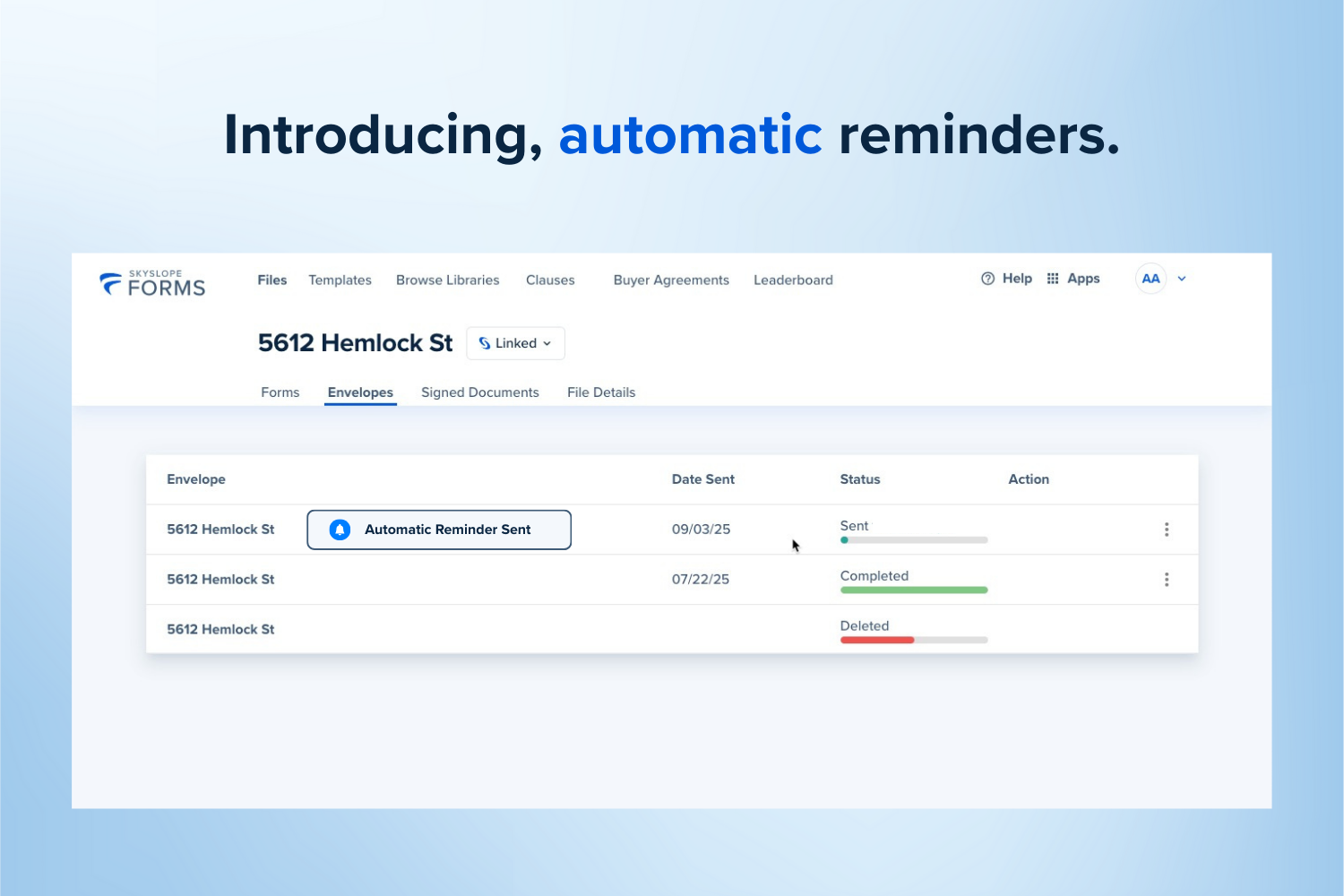
Automatic Reminders to Sign
You can officially cross “chasing signatures” off your to-do list! From now on, SkySlope will automatically send envelope reminders to any signers who haven’t completed within 24 hours—always in the right order. Sit back, relax, and let us do the follow-up for you.
Learn more about Reminders in SkySlope Forms.
Smart Listings in SkySlope and SkySlope Forms
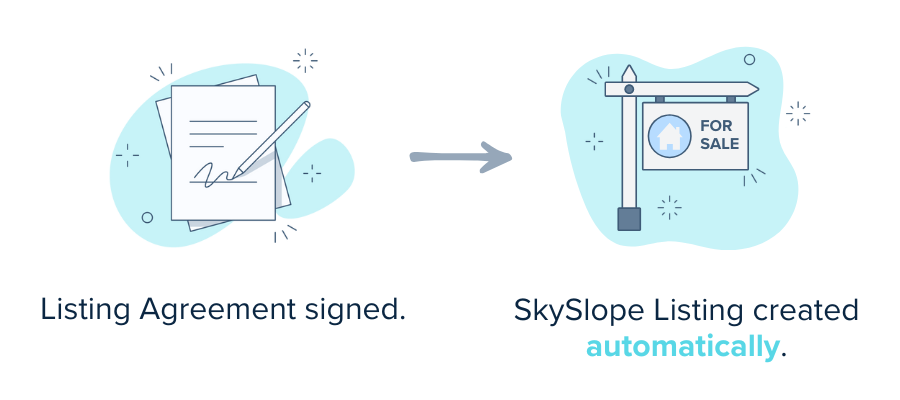
While we're on the topic of smart features, Smart Listings allows agents who use SkySlope and SkySlope Forms to get their work done infinitely faster. In a nutshell, with Smart Listings enabled, any time you have a signed Listing Agreement in SkySlope Forms, we will collect the details from your SkySlope Forms file and use them to automatically create your SkySlope Listing file!
Learn more about Smart Listings.
Sync Uploaded Docs to SkySlope Transaction Management
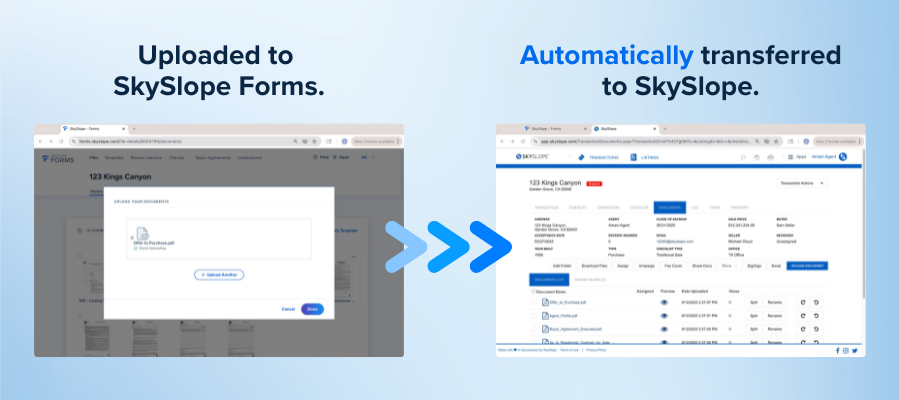
A huge win for those utilizing SkySlope and SkySlope Forms! This latest release makes it easier than ever to keep your files in sync and your workflow running smoothly. In the past, agents had to manually upload documents into both SkySlope Forms and SkySlope, and only documents signed in Forms would make the jump automatically. But now? Any document you upload to SkySlope Forms will instantly appear in your linked SkySlope file. No extra steps. No double work. Just smooth, seamless efficiency.
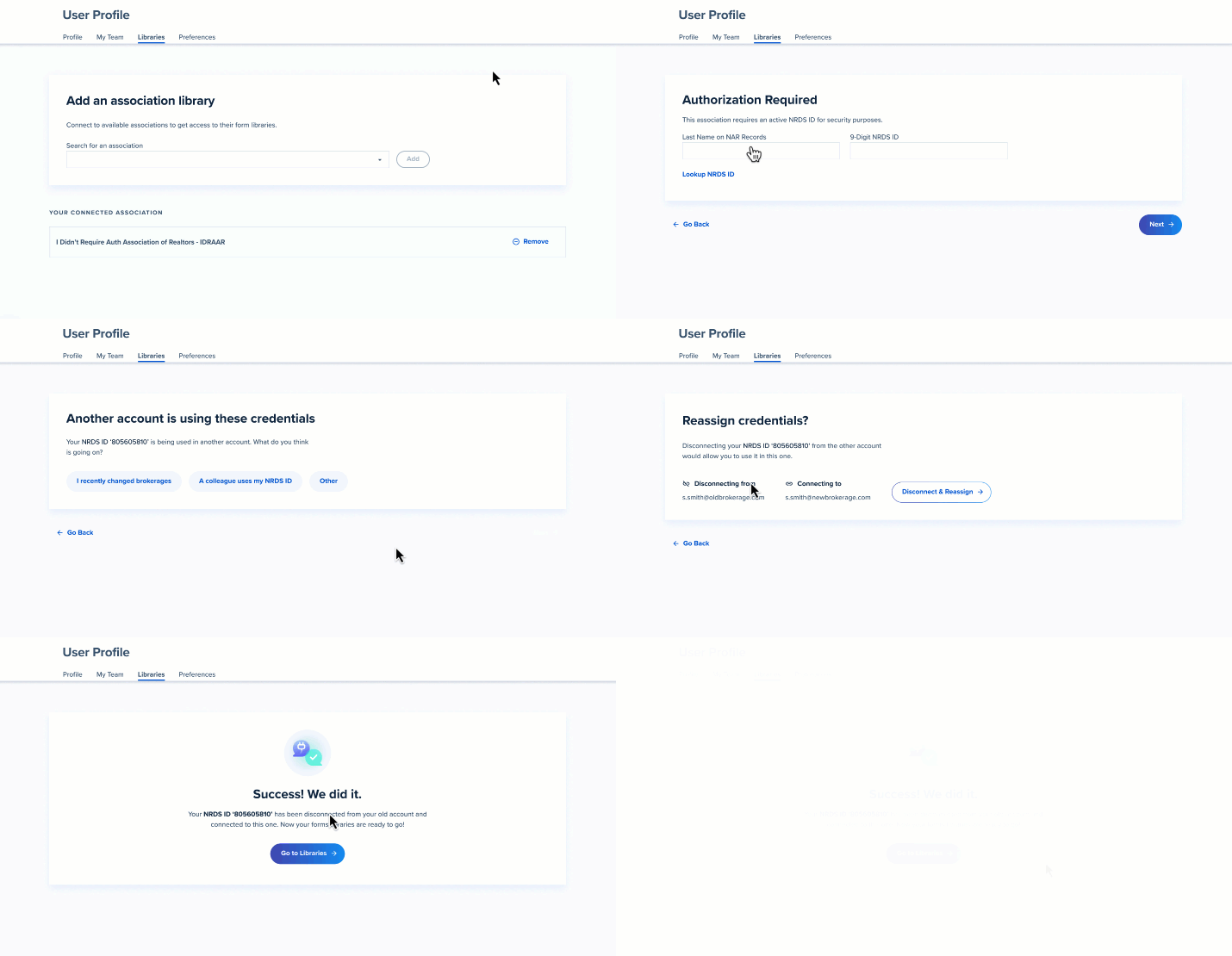
Quickly and Easily Unlink a NRDS ID
A major win for SkySlope Forms users! With this update, Forms users can now better manage their accounts and NRDS ID usage. Prior to this release, these changes could only be made by the SkySlope Support team. But now users can independently move their NRDS ID from one Forms account to another.
Sellers Shield Partnership
Being an exceptional real estate agent is all about having the right tools in your pocket. This year, we launched an exciting new partnership for our agents to take advantage of, at no cost! Seller Shield's online disclosure process helps prevent seller mistakes, limits agent liability, and saves you time!
Learn more about Sellers Shield in SkySlope Forms.
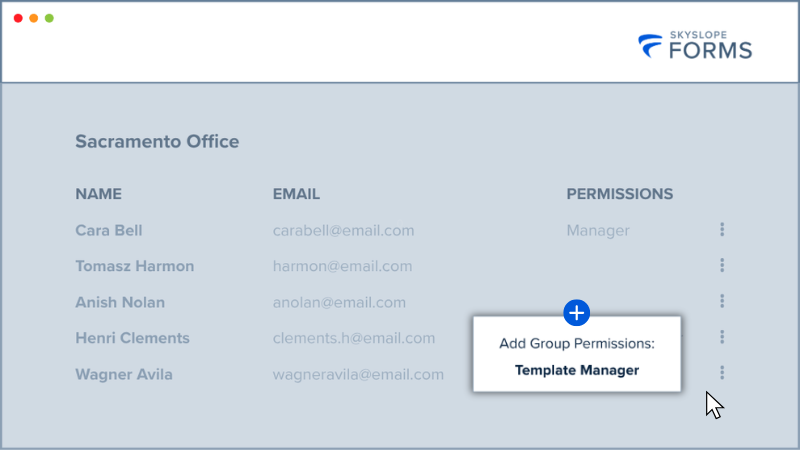
Group-Level Permissions for Template Manager & Clause Manager Roles
SkySlopers taking advantage of SkySlope Forms Broker Edition will love this one! Brokerage Management allows you to create groups and grant individual users specific permissions. With this new release, users can now be granted permission within the group itself! Prior to this release, a user granted Template Manager permissions could manage Forms Templates across the entire brokerage. Now, you can further refine your permissions by granting a user Template Manager permissions for a specific group.
Learn more about Brokerage Management and Group Permissions—available exclusively with Broker Edition.
Envelope Saving Improvements and Name Consistency
Based on your feedback, we’ve improved the Draft Envelope workflow in SkySlope Forms to reduce unnecessary prompts. You’ll no longer be asked to save a Draft when viewing a single form or when returning to the file from a form. You’ll only be prompted to save a Draft Envelope if you’ve started an envelope with multiple forms. Additionally, SkySlope Forms users will now have more consistency across all SkySlope products. Prior to this release, the name of an envelope created in SkySlope Forms wouldn't carry over into DigiSign, making it challenging to locate specific envelopes. Now, envelope names will carry from SkySlope Forms to DigiSign!
Was this article helpful?
That’s Great!
Thank you for your feedback
Sorry! We couldn't be helpful
Thank you for your feedback
Feedback sent
We appreciate your effort and will try to fix the article