

Last year was all about leveraging AI to working smarter in SkySlope. From cleaner workflows to intelligent automation and new partnerships, we shipped updates designed to save time, reduce friction, and keep you focused on what matters most. Let’s take a closer look at the features we released, and how they make everyday work easier.
New & Improved Create Listing Workflow
We kicked off the year with a major overhaul, simplifying and streamlining the process for creating a new Listing file in SkySlope. Building on our Create Transaction update, the new Create Listing experience features a more intuitive layout, a refreshed user interface, and a cleaner, more user-friendly design.
Learn about the upgraded Listing experience.
File Merge Tool for Admins
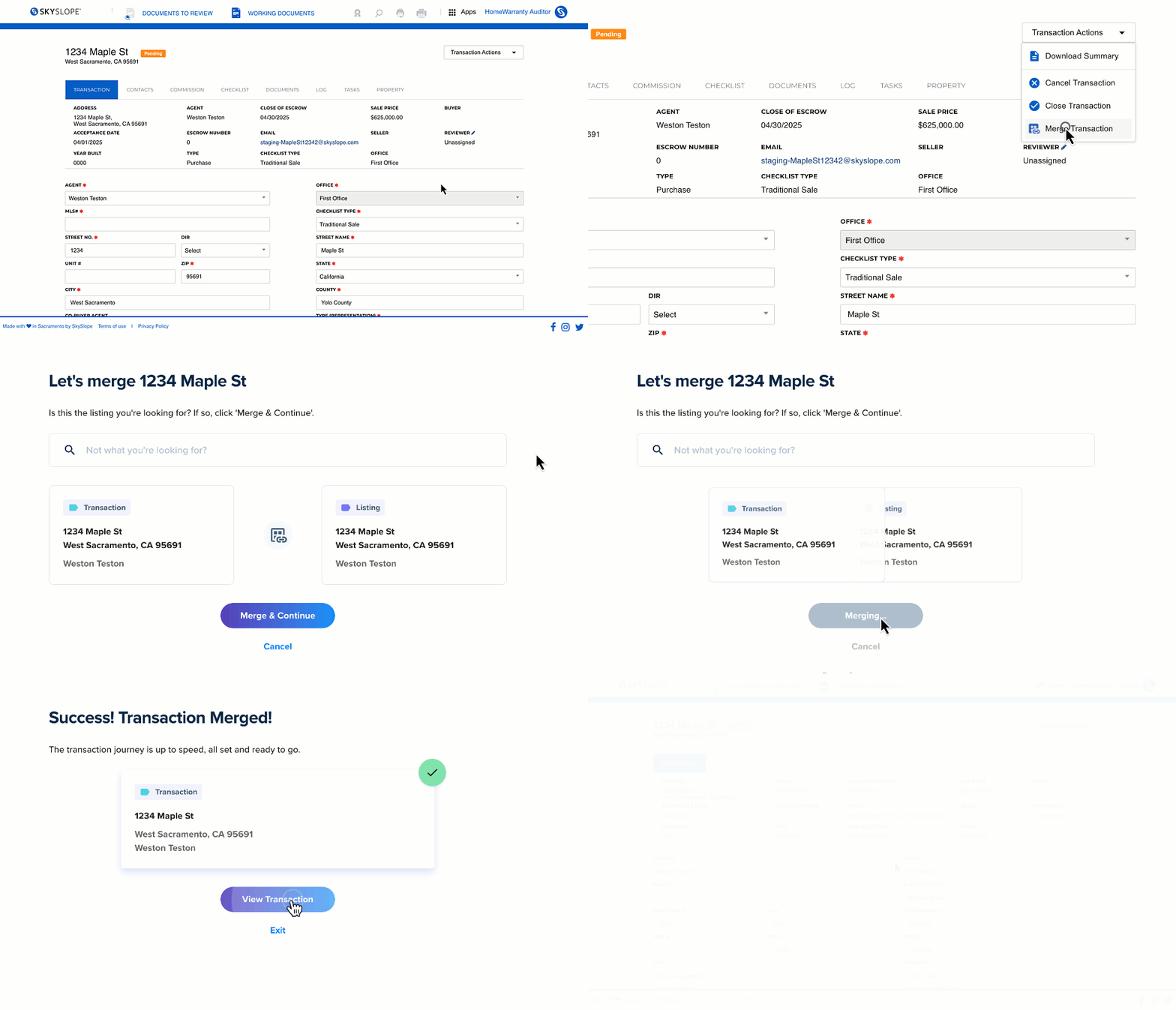
A huge timesaver for admins everywhere, the file merge tool allows admins to get their files in order faster. Occasionally, files get created out of order. If a Listing is not connected to a listing-sold Transaction file, the Listing can never be closed and will remain Expired in SkySlope indefinitely — but not anymore! Now, Admins can merge Listing and Transaction files in just a few clicks.
Learn how to merge Listing and Transaction files.
Quick Audit Overhaul, Starring Smart Assist
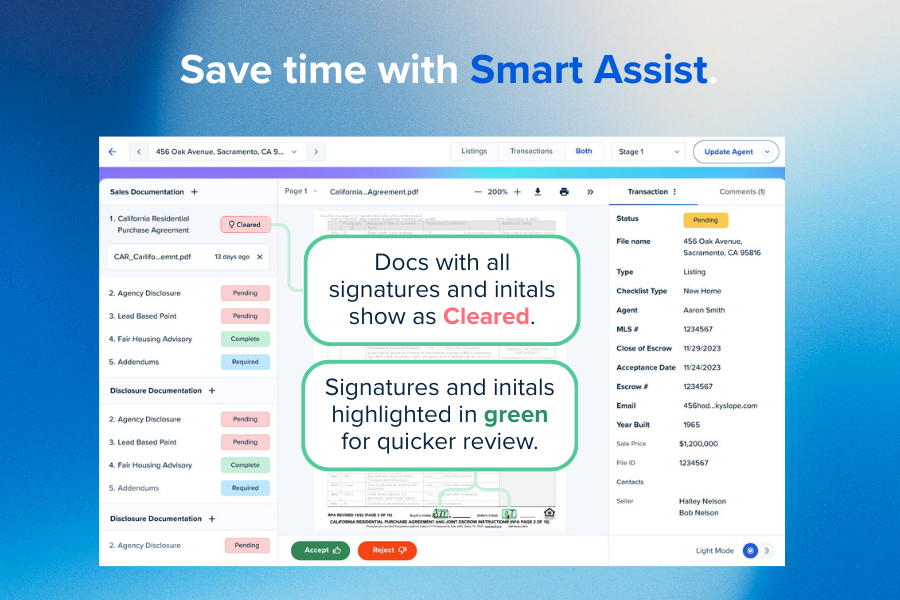
Auditing real estate forms can be daunting. But with Smart Assist in Quick Audit, it doesn't have to be. Not only did we freshen up Quick Audit's appearance this year, but we also released a time-saving tool called Smart Assist. Smart Assist uses AI to scan documents and check for all required signatures and initials, to save you time. It will automatically suggest a status of Cleared if everything looks good. It’s another way we’re helping you review files faster and more accurately.
Learn more about Smart Assist in Quick Audit.
Smart Listings in SkySlope and SkySlope Forms
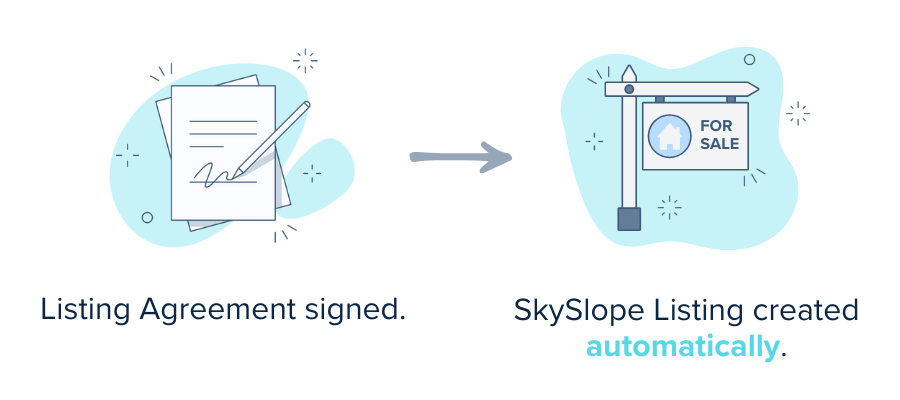
While we're on the topic of smart features, Smart Listings allows agents who use SkySlope and SkySlope Forms to get their work done infinitely faster. In a nutshell, with Smart Listings enabled, any time you have a signed Listing Agreement in SkySlope Forms, we will collect the details from your SkySlope Forms file and use them to automatically create your SkySlope Listing file!
Learn more about Smart Listings.
Link SkySlope and SkySlope Forms Files
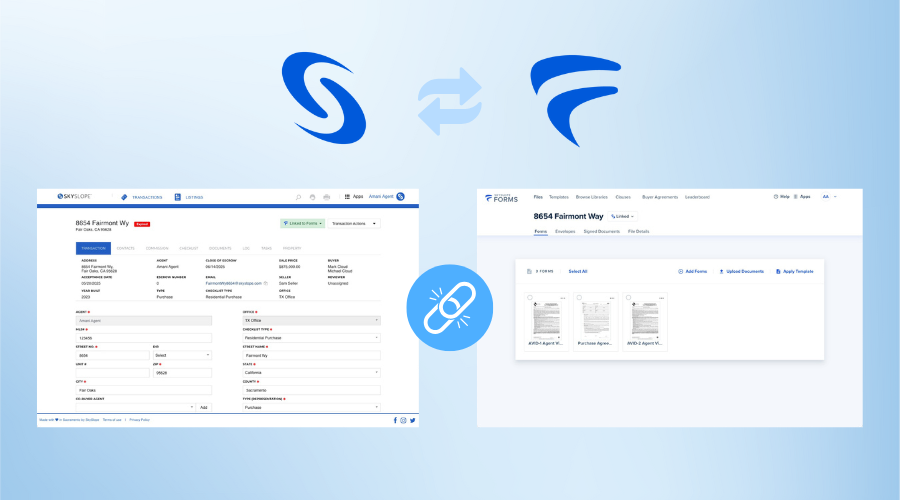
This feature enhancement streamlines document management in SkySlope and SkySlope Forms files. Now, no matter where you begin your file creation workflow, you can link your two files to ensure all documents are transferred where they need to be automatically.
Learn more about linking SkySlope and SkySlope Forms files.
Exciting New Partnerships
Being an exceptional real estate agent is all about having the right tools in your pocket. This year, we delivered two stellar new partnerships for agents to utilize:
- Sellers Shield: Their online disclosure process helps prevent seller mistakes, limits agent liability, and saves you time!
- RealSatisfied: A review collection platform designed specifically for real estate professionals, making it easy for them to collect valuable client feedback and turn past customers into their biggest advocates.
Pre-Contract Checklist Improvements
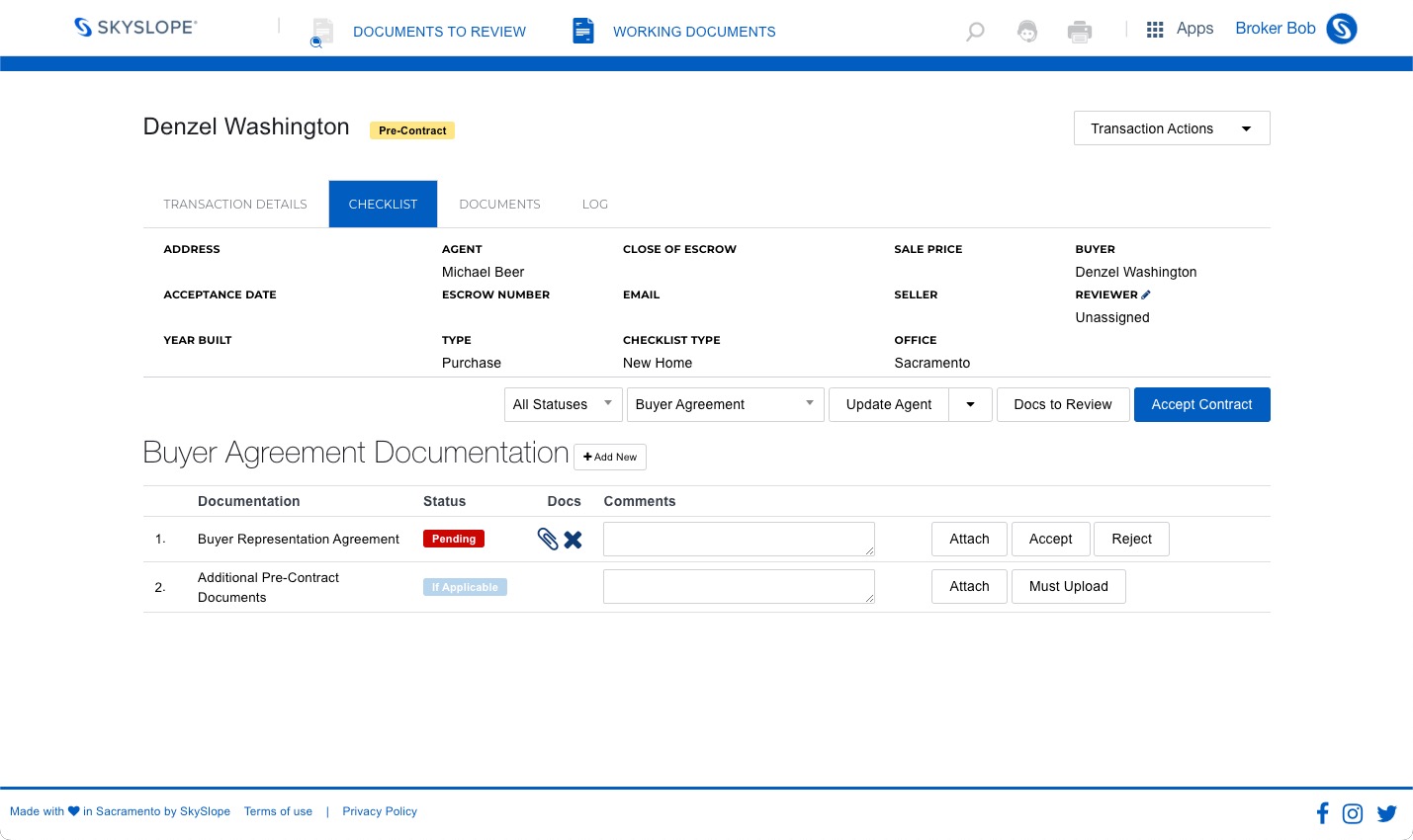
An essential step forward to help our brokerages remain compliant with recent NAR regulations. With this change, Buyer Agreement files in SkySlope will now only show Buyer Agreement Checklist items. Think: only the essentials, no noise.
Was this article helpful?
That’s Great!
Thank you for your feedback
Sorry! We couldn't be helpful
Thank you for your feedback
Feedback sent
We appreciate your effort and will try to fix the article