
The Ayce AI app is your AI-powered real estate coach, built to help you stay focused, organized, and on track to reach your sales goals. With personalized guidance, smart task recommendations, and fast answers to real estate questions, Ayce helps you move your business forward with clarity and confidence. This guide will walk you through how to get started and make the most of the app.
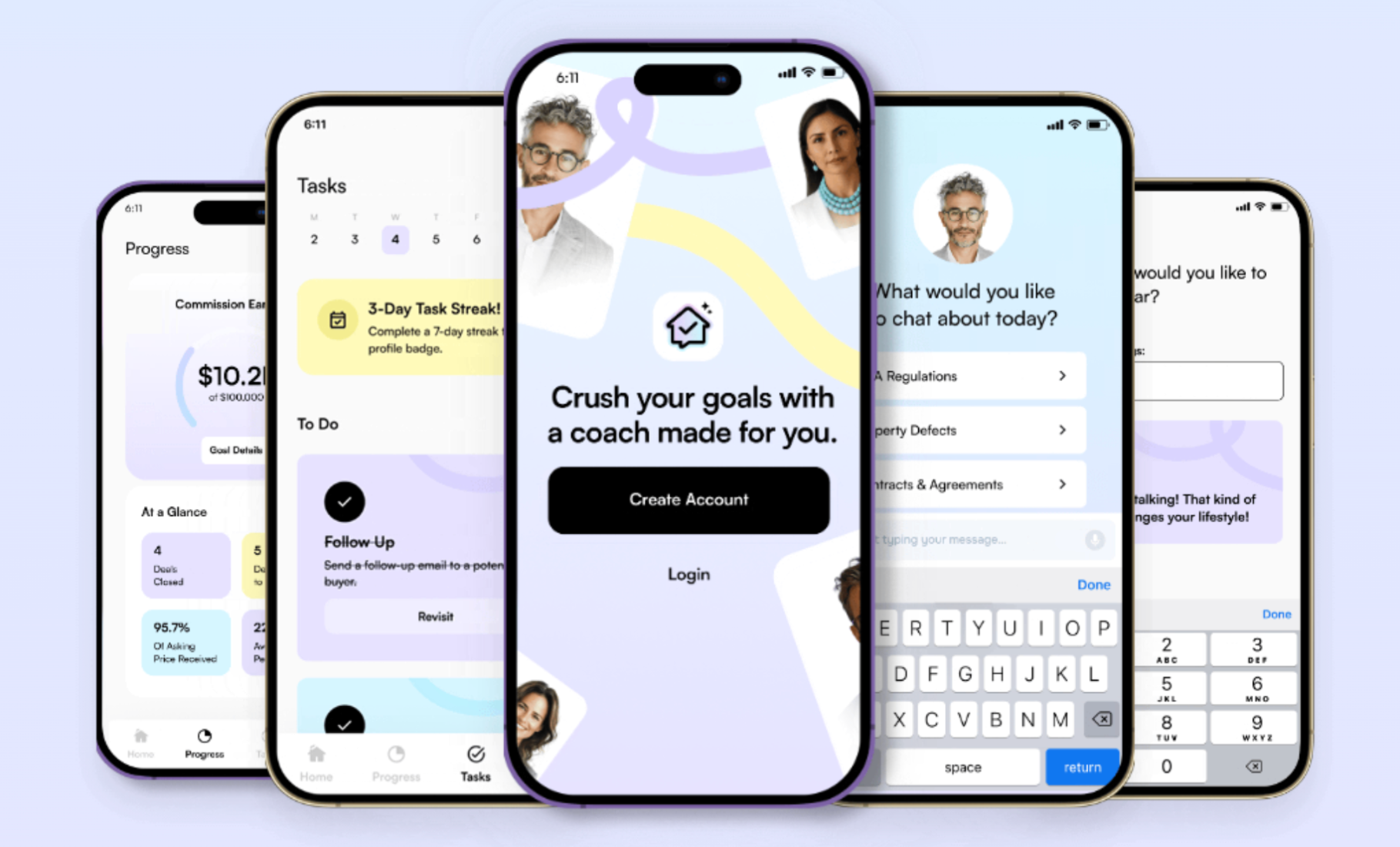
Getting Started & Account Basics
Create Account
To get started, click Create Account to enter your email address and create a password. Please note, the login for the Ayce app is separate from your SkySlope login. Even if you already have a SkySlope account, you will need to create a new account for the Ayce app.
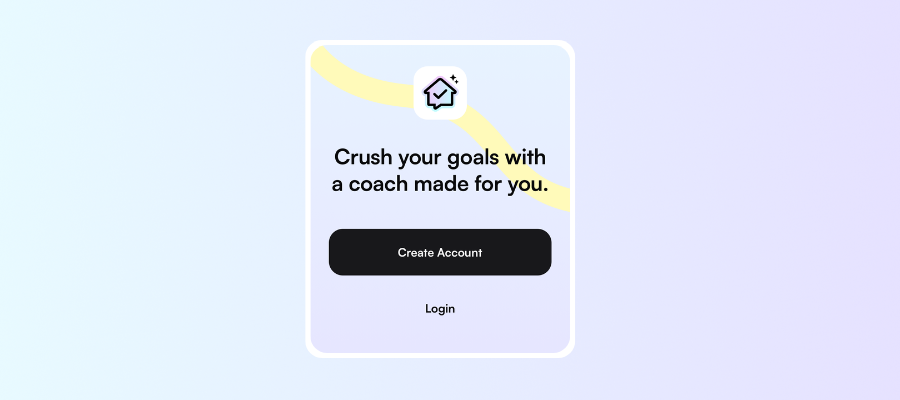
Getting Started
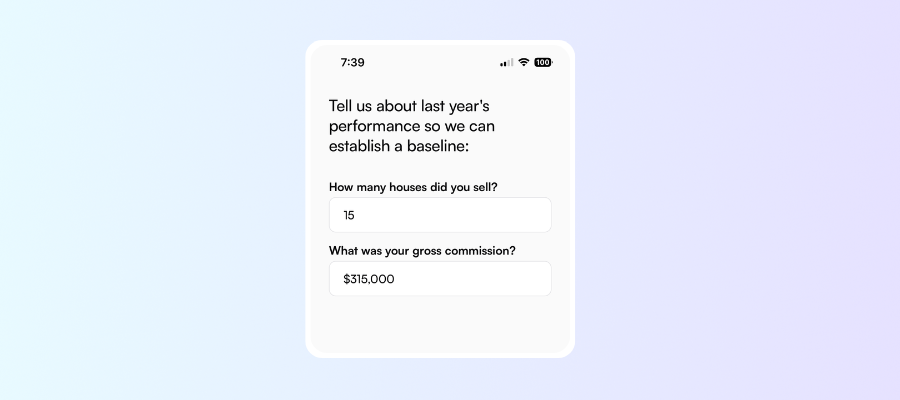
When you log into your account for the first time, you will be prompted to provide some details about your business performance last year. This allows us to establish a baseline from which we can measure new goals.
Setting New Goals
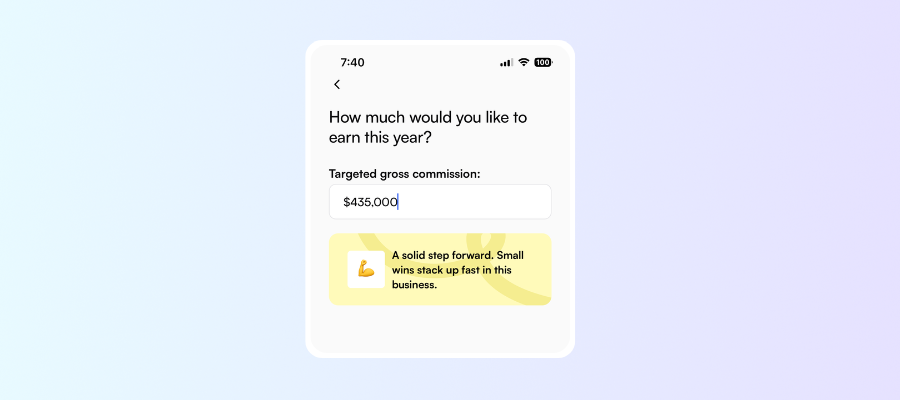
Once your baseline has been established, you will set your goal for this year! Simply enter what your target gross commission is for this year. You can always update your goals later, if necessary.
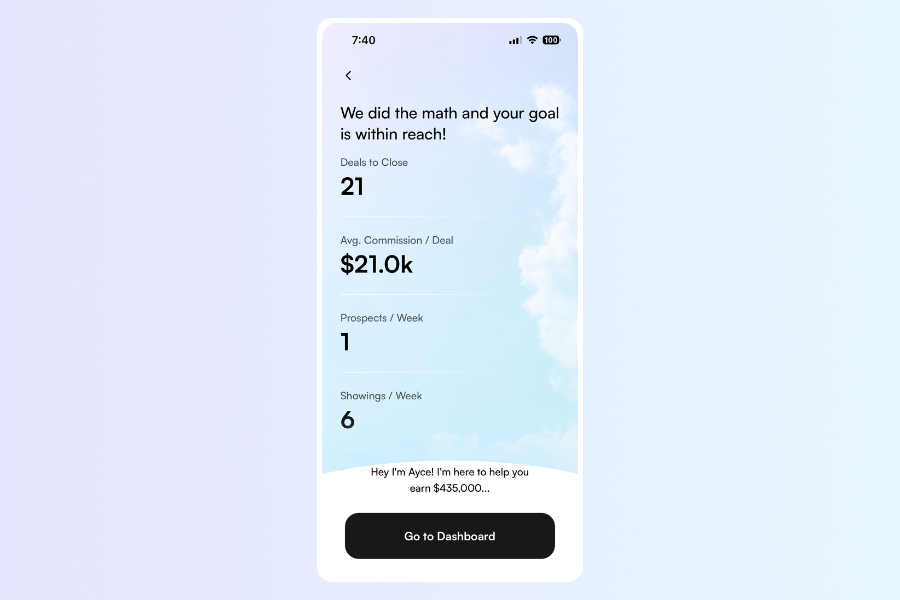
After Ayce has reviewed your baseline and goals, they will present some actions and stats required to achieve those goals! Here is an overview of what's required to achieve the sample target gross commission listed above:
Dashboard
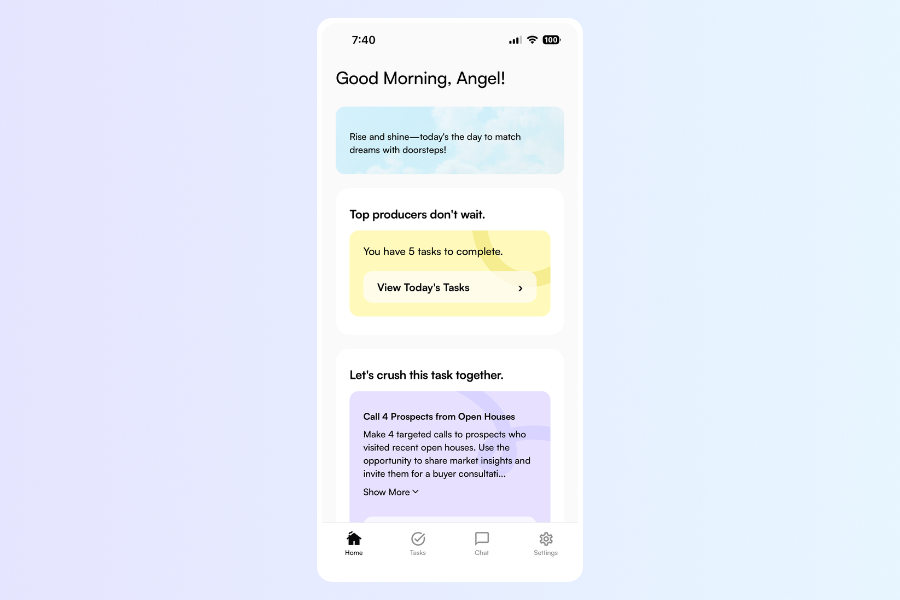
Lots of helpful resources and action items await you on your dashboard.
Task Reminders
Towards the top, you will see a reminder for any of this week's tasks that haven't been completed. Tap on your tasks to dive in.

Pro Tips
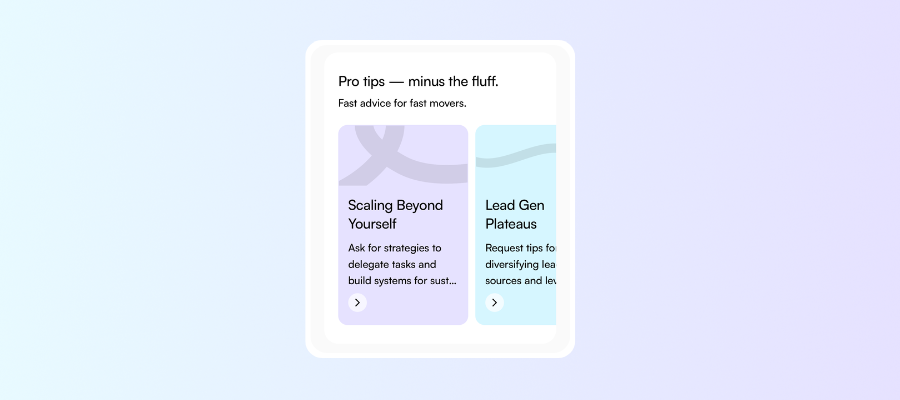
Browse a collection of tips that will help you move the needle. Tap on a tip that you're interested in, and your coach will guide you through some essential details on the topic. Continue chatting with your coach, asking clarifying questions or seeking information on other items that are top of mind.
Common Questions
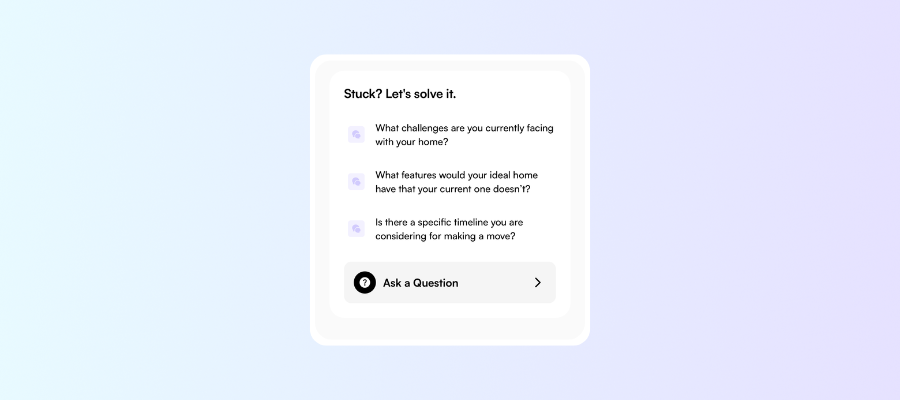
Review some common questions, or ask your own! Your coach is at your fingertips at all times, ready to help you take the next steps to grow your business.
App Navigation
Use the menu bar across the bottom of your screen to jump to different sections.

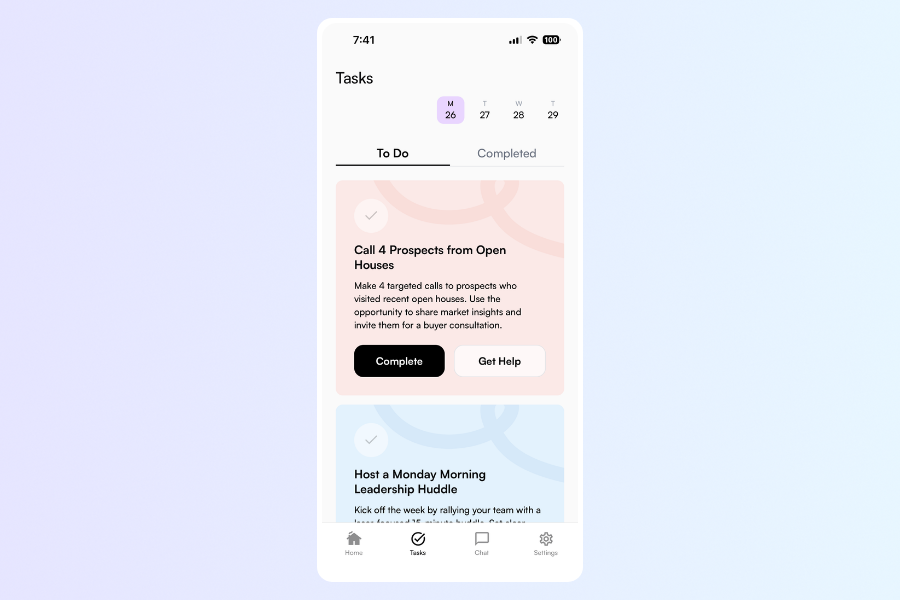
Tasks
In your Tasks hub, you will find a list of tasks created just for you to help you reach your goals. Spread out across the week, you can make progress every day! Need more guidance from your coach on how to complete this task? Just tap Get Help. Then tap Complete when done.
Chat
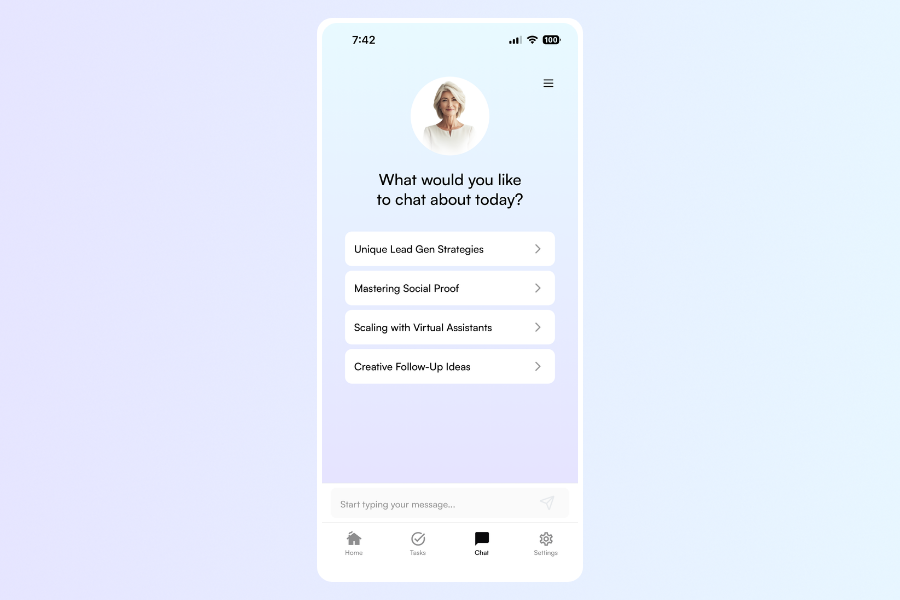
Your coach's door is always open. Any time you have a question about real estate in general, or one of your goal-oriented tasks, hop over to the chat and ask away. You will see some topics suggested by your coach, but feel free to type your own question in the chat box.
Click the menu icon in the upper right to browse past conversations with your coach.
Settings
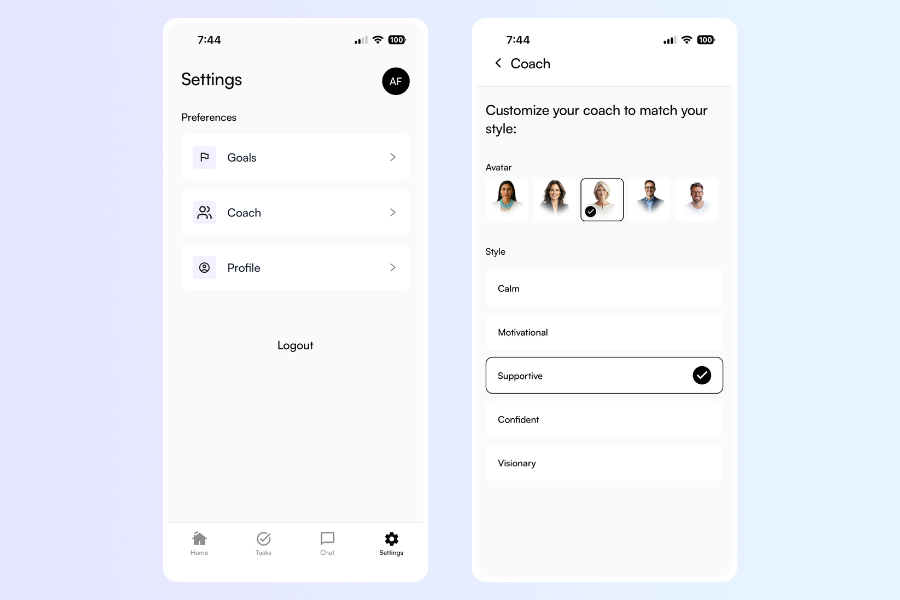
Manage your account settings and coach preferences.
Was this article helpful?
That’s Great!
Thank you for your feedback
Sorry! We couldn't be helpful
Thank you for your feedback
Feedback sent
We appreciate your effort and will try to fix the article